

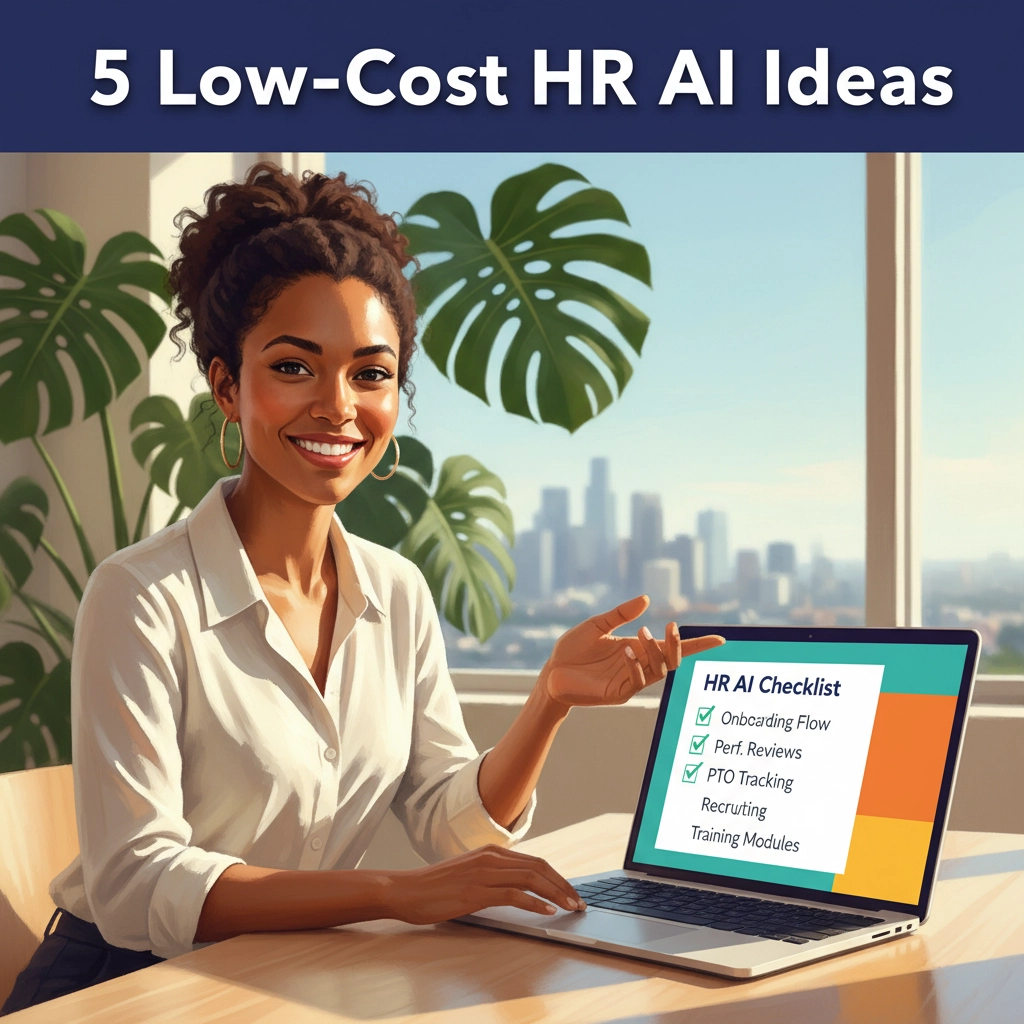
AI, the all-consuming buzzword of all buzzwords.
At this point, if you haven’t heard of AI, what rock are you living under? And if you keep hearing about big companies using AI to save time and money on their Human Resources processes and wish you could too, this is for you.
AI HR tools for small businesses don’t have to be pricey or technical. If you’ve got 25–250 employees in California, you can get real wins with three affordable tools: ChatGPT, Marblism, and Canva. No IT team. No six-figure platforms. Just practical, low-lift ideas you can test this week.
Reality check: Enterprise-ready AI solutions are expensive. But teams using lightweight AI can still see faster hiring, cleaner comms, and fewer admin mistakes. Use the tools to reduce busywork—then use your judgment for the people stuff. That’s the play.
Caution: Don’t paste sensitive or employee-identifying info into any AI tool. Review outputs for accuracy and California compliance.
1) ChatGPT for Hiring: Better Job Descriptions + Interview Kits
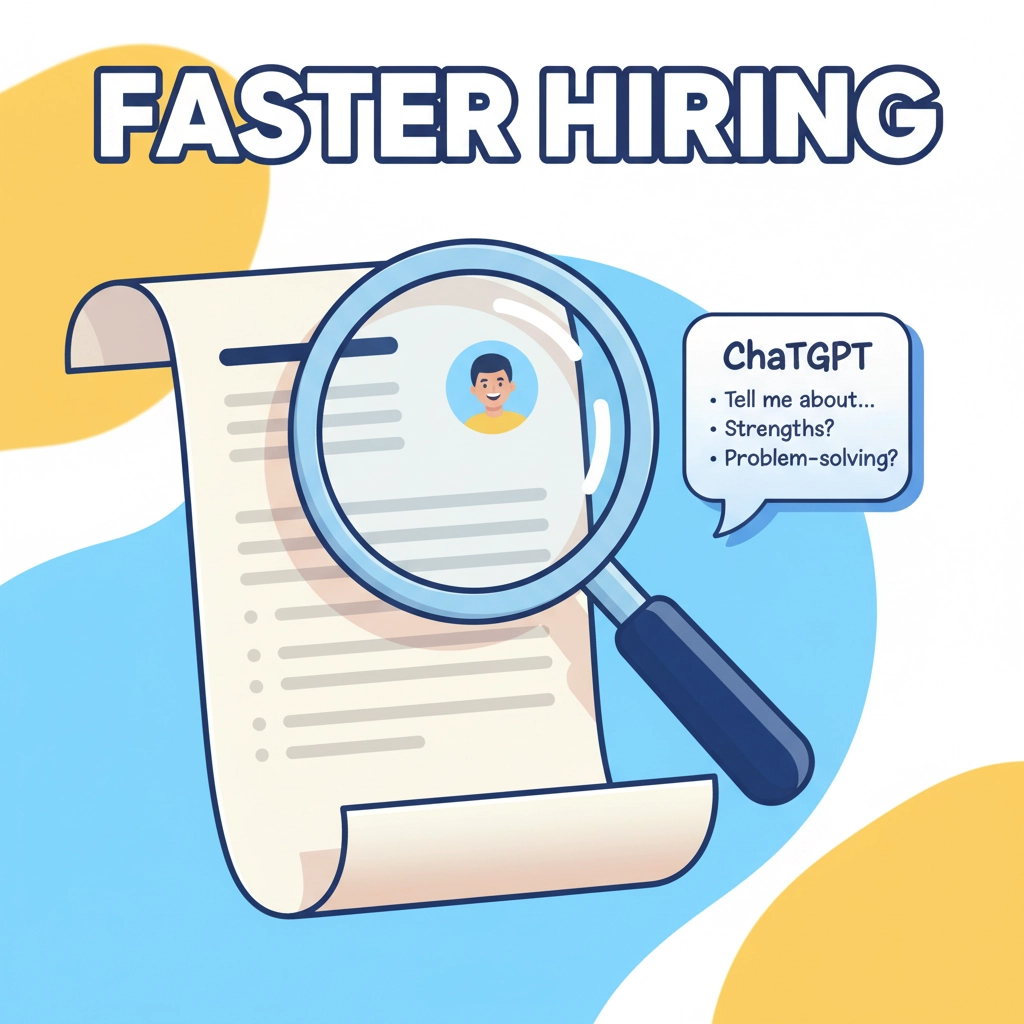
The mistake I see most people make is that they inject AI into the middle of their hiring process. But garbage in, garbage out. Asking AI to match candidates to the job description you found on Google is NOT going to get you the candidates you want.
How you SHOULD use AI in hiring
Use ChatGPT to help you review the tasks you need someone to manage. Take hiring as an opportunity to evaluate your process and structure. You may work through a set of tasks and realize you can implement a new system to manage some, eliminate others, or delegate to other positions. Once you have a set of responsibilities you need, you can ask ChatGPT to prepare a job description and job ad that fit what YOU need.
Step 1 – Collect information:
“Help me evaluate the responsibilities I would like to assign to a staff member. I will give you a list of tasks and would like you to ask me a series of questions about related tasks that would also fit based on similar skill sets.”
Step 2 – Evaluate responsibilities
“For the tasks gathered so far, identify low-cost, easy to use tools that could automate or reduce time spent on each.”
Step 3 – Create the role
“For the remaining tasks, draft a job description that includes those responsibilities. Determine the relevant skill sets and experience that would enable a candidate to perform those tasks well.”
Client story (San Diego, solar installer — 62 employees):
Kiana’s team kept rewriting job posts and winging interviews. In one afternoon with ChatGPT, she produced a sharp JD and a consistent interview kit. Time-to-offer dropped by 9 days, and hiring managers stopped asking, “So… what should I ask?”
Cost: Free to low monthly. Output still needs an HR review for CA compliance.
2) Marblism HR Agent: Instant Answers + Smart Routing

Real Employee Support
- Automatically replies to everyday HR questions—PTO balances, policy reminders, payroll dates, benefits basics—24/7.
- Routes anything nuanced (leave eligibility, pay discrepancies, performance issues) to HR or the right manager with context.
- Tags tickets, logs FAQs, and learns which answers reduce back-and-forth.
How to try it:
- List your top 15 employee FAQs from your inbox or help desk.
- Set routing rules by topic (e.g., “payroll,” “benefits,” “time off”) and by employee group (hourly vs. salaried, location).
- Connect your preferred channel (HR@ inbox, Slack/Teams “Ask HR,” or web form).
- Pilot with one department for two weeks; review auto-responses and tweak language.
- Turn on org-wide once response times stabilize and escalations are hitting the right person.
Client story
(Anaheim, specialty manufacturing — 85 employees):
Before Marblism, HR spent mornings triaging “When’s payday?” and “How do I request PTO?” After a two-hour setup (FAQs + routing rules), 70% of questions were answered instantly, and HR reclaimed 6–8 hours a week. Bottlenecks vanished because complex items auto-tagged the right manager with the employee’s details and policy link.
Visual idea: a simple chat window where a friendly AI avatar answers “What’s our PTO policy?” and auto-tags “@HR” when an employee asks about a leave exception.
Pro tip: Keep answers short with a link to the authoritative policy doc. Escalations should include a summary and suggested next steps so HR starts ahead, not from scratch.
Ready to give Marblism a try?
Use our affiliate link to sign up: https://marblism.com/?via=2132b5
3) ChatGPT for Coaching and Feedback Practice

Talk to Your Robot
I know some people aren’t going to like this one, but talk to your robot. Obviously, we don’t promote AI over people, but in some cases, we don’t have a person we can talk through a problem with. That’s especially true for managers that need to have a tough conversation with an employee.
ChatGPT’s conversation mode is a great way to practice. Tap that voice button and tell it “I’m a manager who has to talk to one of my employees about ____. Help me practice what to say.”
What it does:
- Lets managers practice tough conversations by simulating employee scenarios (tardiness, attitude, missed deadlines, performance feedback).
- ChatGPT role-plays as the employee, including questions, pushback, and emotional responses—so managers can try different wording and approaches safely.
How to try it:
- Describe your situation to ChatGPT: “I need to coach an employee on being late repeatedly.”
- Ask it to play the employee and give feedback at the end on tone, clarity, and legal compliance. For California, keep it factual, tie to job impact and policy, and avoid any reference to protected classes.
- Iterate: try two or three versions and ask which is clearest and least likely to escalate.
- Use this practice before real performance reviews or corrective discussions.
Client story
(Riverside auto repair — 44 employees):
Crystal, a new service manager, was nervous about her first corrective talk. The one other manager she worked with was no help. She practiced the chat with ChatGPT, tested phrasing, and landed on a confident, fair approach. The meeting was stress-free (well, less stress) and the employee understood the expectations clearly.
4) Marblism Executive Assistant: Smart Email Prioritization

Buried in Emails
We get a lot of emails in HR. Legal updates, sales reps, event notifications, all of which bury those emails from employees that we actually want to reply to. Enter Marblism’s Executive Assistant.
What it does:
- Uses AI to read your inbox and move employee emails to the top so nothing important gets buried under newsletters, vendor spam, or company blasts.
- Flags requests and time‑sensitive HR issues, and summarizes what needs your attention versus what can wait or be deleted.
How to try it:
- Connect your HR inbox to Marblism’s executive assistant agent.
- Set rules for what counts as “employee” or “urgent.” Highlight emails from your company domain or with keywords like “benefits,” “payroll,” “request,” or “policy.”
- Review the daily summary and reply to the top items—auto‑assign lower‑priority messages to a folder for end‑of‑week review.
Client story
(Mountain View SaaS — 60 employees):
Maribel, the office manager, was missing employee questions while deleting piles of marketing emails. After enabling Marblism’s inbox agent, employee requests now show up first, and nothing urgent slips through the cracks.
5) Canva for HR: Posters, One-Pagers, and Training Slides (That Don’t Look Like 2003)
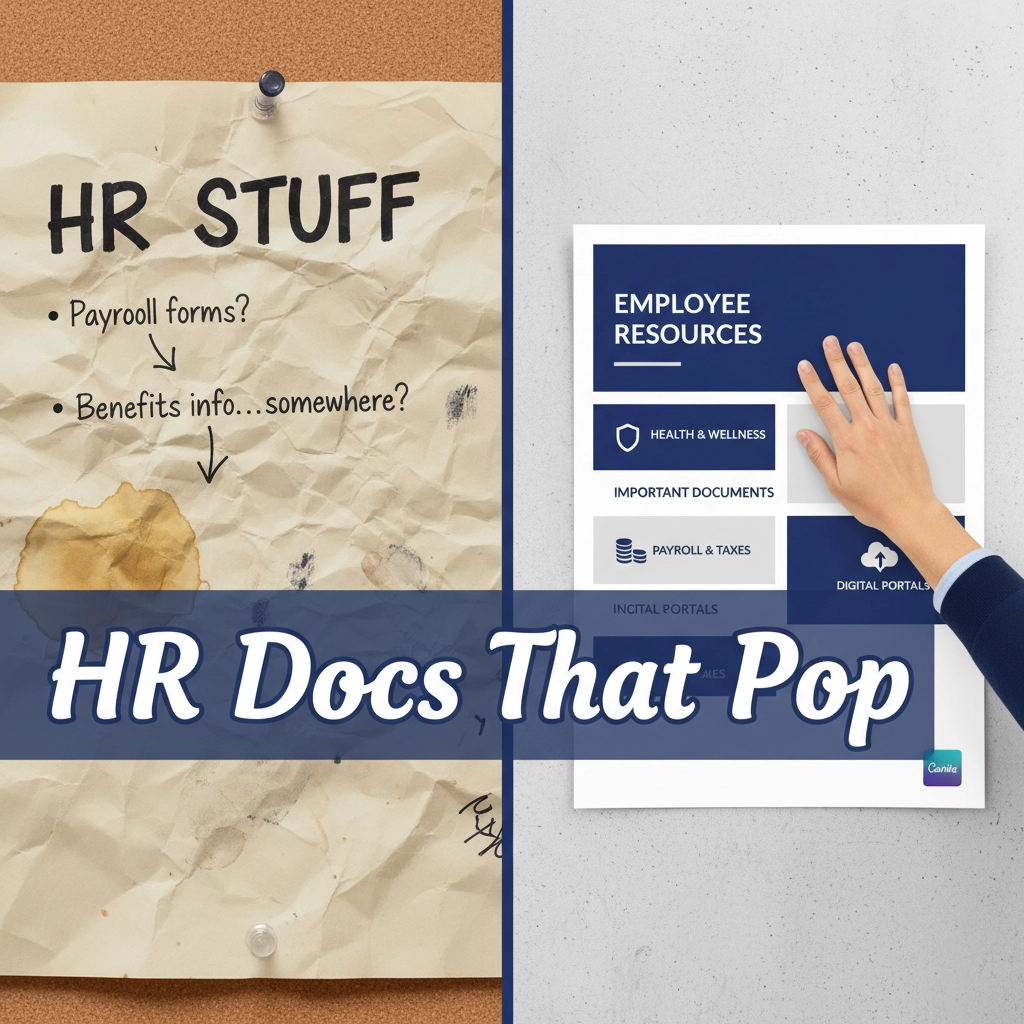
I don’t know if you know this, but graphic design and human resources don’t exactly have matching skill sets. And I know some of us out there are limited to using different fonts to try and make our flyers more fun. But what if I told you there was a tool that would make things pretty for you?
Enter Canva
Canva has been around, but if you’re only using it to make your presentations slight more interesting, you’re missing out. The free version is great, but for about $20/mo, you get Canva’s AI creation tool that can prepare flyers, document templates, even images for you.
What it does:
- Turns policies into crisp one-pagers, safety posters, and supervisor checklists.
- Creates quick training slides your team will actually read.
How to try it:
- Search Canva templates: “Safety Poster,” “Policy One-Pager,” “Training Deck.”
- Add your logo, brand color, and 3–5 bullets max.
- Export to PDF for printing and PNG for Slack/Teams.
Client story
(Fresno, food manufacturing — 70 employees):
Sam used Canva to turn a 6-page forklift policy into a one-page safety visual and a 6-slide tailgate talk. Supervisors finally had something quick and clear. Incident reminders went up. Incidents went down.
Getting started
Here are a few things to do this week:
- Pick one headache to fix.
- Pilot a solution for two weeks.
- Keep what works, toss what doesn’t, and write down your new “standard.”
Smart guardrails:
- Don’t paste PI or confidential details into AI tools.
- Have an HR pro review policy language and translations for California compliance.
- Track results: time saved, errors avoided, faster responses. That’s your ROI story.
Helpful links:
- Need an extra set of hands? See our fractional HR support: https://goldenstatehr.com/
- Common pitfalls and fixes: California employer pain points
- Book a quick consult: https://goldenstatehr.com/contact
Sources:
- SHRM on AI use in HR and policy considerations: https://www.shrm.org/
- McKinsey research on AI productivity and use cases: https://www.mckinsey.com/
Call to action:
Want help setting this up without buying a giant platform? Golden State HR can pilot one workflow, document the process, and train your managers—fast. Reach out and we’ll map the first win.
Meta description:
5 affordable AI HR tools for small businesses—ChatGPT, Marblism, and Canva—with simple use cases, visuals, and real client wins for California companies.